Kevin Henry, Nov 18,2026
Most platforms let you build more than one chatbot, but they price it very differently. Some include unlimited bots on every paid plan; others restrict separate projects to a tier that costs twelve times the entry price. Before you pick a tool, work out which of three different problems you actually have, because they need different products.
Prices below were read from each vendor's own pages on 18 November 2026 and link to the source. They move quickly, so check them before you buy.
Which problem are you actually solving?
"Managing multiple AI chatbots" gets used for three unrelated jobs. Most comparison articles answer one of them without saying which.
|
What you want |
What you need |
Example |
|
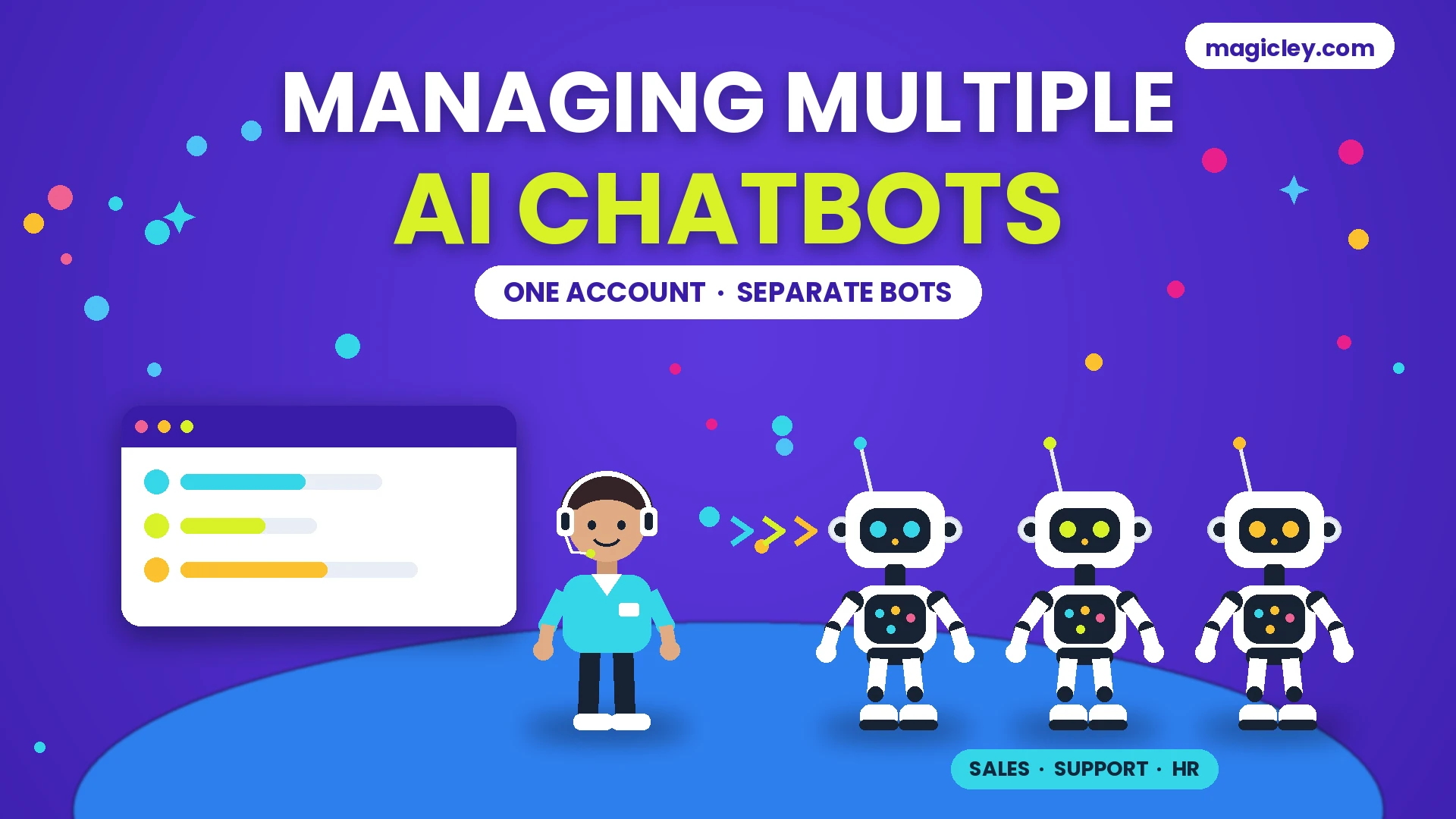
Several separate bots, each with its own knowledge and audience |
A chatbot platform that allows multiple bots or projects on one account |
One bot for sales, one for support, one for a second brand |
|
One bot that appears in several places |
A chatbot platform with multi-channel deployment |
The same bot on your website, WhatsApp and Instagram |
|
One app to talk to several AI models |
A multi-model chat client — a different category entirely |
Switching between ChatGPT, Claude and Gemini in one window |
If the third row is what you want, you need a multi-model client such as TypingMind, Poe, OpenRouter or LibreChat. Those are aggregators of AI subscriptions, not business software, and the rest of this article will not help you.
The first two rows are what the rest of this covers.
Which platforms allow multiple chatbots on one account?
This is the question to ask a vendor before anything else, because the answer is inconsistent and it is rarely on the comparison page.
|
Platform |
Free plan |
Paid from |
Multiple bots on one account? |
|
Botpress |
Yes, $0 |
$150/mo (Plus) |
|
|
Chatbase |
Yes, $0 |
$40/mo (Hobby) |
Limits are set per agent, not as a bot count |
|
Tidio |
Yes, $0 |
$24.17/mo (Starter) |
Multiproject is excluded below the Plus plan at $300/mo |
|
Voiceflow |
Free trial |
Multi-client workspace management, for agencies |
|
|
Intercom |
No |
Priced per outcome, not per bot |
Chatbase's prices come from its own blog, updated 22 September 2026, because its pricing page would not load for me. Treat them as the vendor's own figures rather than a reading of the live pricing page.
The pricing trap worth knowing about
Compare two rows above.
Botpress announced in its May 2026 pricing update that "Every paid plan now includes unlimited bots" — so a $150 plan runs one bot or fifty.
Tidio starts much cheaper, at $24.17 a month. But its feature table marks Multiproject as unavailable on Free, Starter and Growth, and available only on Plus, which "Starts at $300/mo.+ monthly usage". Tidio's own FAQ does say "Yes, you can add Tidio to multiple sites and/or stores" — so the widget can appear in several places on the cheaper plans. Running genuinely separate projects is the part that sits higher up.
Neither approach is wrong. The trap is choosing on headline price, building your first bot, and finding that the second one requires a different tier. Ask every vendor the same question in writing: on this exact plan, how many separate bots can I run, and what happens when I add the next one?
Do you need several bots, or one bot with several skills?
Most teams who think they need five bots need one bot and better routing.
Separate bots make sense when the audiences do not overlap, when the knowledge sources must stay apart, or when different people own them. A support bot trained on your help pages and a recruitment bot trained on your job listings have nothing useful to say to each other.
One bot makes sense when the questions come from the same audience and the answers live in the same place. Splitting that into three bots gives you three sets of content to keep current and three chances to answer differently.
A practical test: write down the last twenty questions your bots received. If you can sort them into clean groups by who was asking, separate bots are justified. If the groups are only by topic, one bot with a wider knowledge base is simpler and cheaper.
If you do run several, training multiple AI chatbots to work together covers how to assign roles and keep them consistent, and the synchronization framework covers keeping their knowledge aligned.
What should you check before committing to a platform?
Six questions, in the order that catches problems earliest.
-
How many bots does this plan allow? The answer above. Get it in writing.
-
How is usage counted? Per conversation, per resolved conversation, per message, or per credit. These are not comparable, and a credit on one platform is not a credit on another.
-
What happens when you exceed the limit? Some platforms stop answering, some charge overage, some queue. Ask which.
-
Can each bot have its own knowledge source? If all your bots share one training set, you do not have separate bots.
-
Does handoff to a person work per bot? A sales bot and a support bot usually need to reach different people.
-
Can you export your content and conversation history? If a bot's training content is locked in, moving later means rebuilding.
Question 2 is where most budget surprises come from. A platform charging per resolved conversation only bills when the bot actually succeeds, which is predictable but scales with volume. A flat plan with a credit allowance is cheap until the allowance runs out mid-month.
How do you keep several bots consistent?
Running several bots creates a problem one bot does not have: they can contradict each other.
-
Keep one source of truth. Policies, prices and hours live in one place that every bot reads, rather than being pasted into each bot separately.
-
Give each bot a written scope. One or two sentences on what it answers and what it must hand off. Most contradictions come from two bots both attempting a question neither owns.
-
Review the handoffs monthly, not the successes. The conversations where a bot gave up tell you where the boundaries are wrong.
-
Test the overlap deliberately. Ask the same question of every bot once a month. If the answers differ, your source of truth has drifted.
The gap between a bot that does this and one that does not is what separates a professional chatbot setup from a basic one.
Is one platform better than separate tools for each bot?
For most small teams, one platform is better — not because the features are superior, but because one bill, one login and one place to update your policies is less work than three.
The exception is when one bot has a genuinely different job: a voice bot, or one that must run inside a product you already pay for. In that case a hybrid usually beats forcing everything into one tool. That trade-off is the same one covered in our comparison of AI-native suites and point solutions.
FAQ: Running multiple AI chatbots
What tool allows multiple chatbot integrations in one platform?
Botpress states that every paid plan includes unlimited bots, starting at $150 a month. Chatbase sets limits per agent rather than capping bot count, from $40 a month. Tidio is cheaper to start at $24.17 but restricts separate projects to its Plus plan at $300 a month and above. Figures as of November 2026.
Can I manage multiple AI chatbots for free?
Botpress, Chatbase and Tidio all have free plans you can build on, but free tiers are usually limited to one project. Build the first bot free, then check the second-bot question before you upgrade.
What is the difference between multiple chatbots and a multi-model AI client?
Multiple chatbots means several customer-facing assistants you have built. A multi-model client, such as TypingMind or Poe, is an app for chatting with several AI models yourself. Different products, different buyers.
How many chatbots does a small business actually need?
Usually one. Separate bots are worth it when the audiences differ — customers versus job applicants, for example — not when the topics differ.
Can two chatbots share the same knowledge base?
On most platforms yes, and it is usually the right setup. Shared knowledge with separate instructions per bot avoids the contradictions that come from maintaining the same facts twice.
Magicley, which we make, includes a chatbot builder alongside its writing, image and code tools. It is a general AI suite rather than a dedicated multi-bot platform, so if your main requirement is orchestrating several bots with separate knowledge bases, the specialists above are built for that job. If you want one subscription covering chatbots and the content work around them, you can build a bot from your own pages with custom templates and see whether one assistant covers what you were planning to split.